
4.9MQTT broker
Runs an MQTT broker on the gateway so that other devices, and the gateway's own MQTT client, can connect without a separate server.
The MQTT broker is a small MQTT server that runs inside the gateway. Use it when the site has no other broker, or when you want devices to publish to the gateway directly. You find it under Server > Interfaces > MQTT Broker.
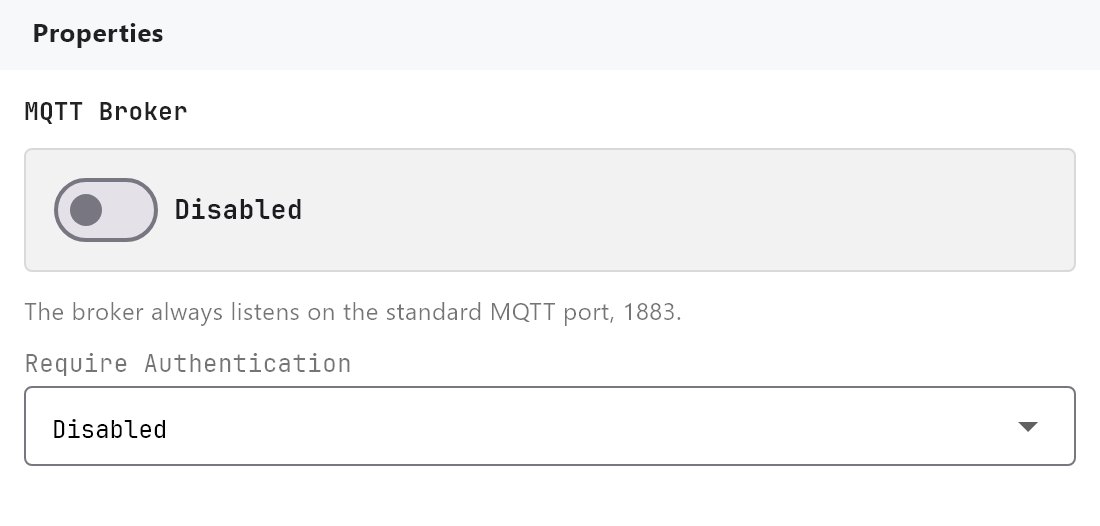
#What it does
- Opens a broker on the gateway, using the embedded Aedes broker.
- Accepts connections from any MQTT device or app on the network.
- Lets the gateway's own MQTT client connect to it when the client's Broker is Local Broker (this gateway).
The broker and the client are independent. You can run the broker without the client, or use the client against an external broker without running this one.
#Before you enable it
- The broker always uses the standard MQTT port,
1883. You do not choose it, and nothing else on the gateway may use it. - Decide whether to require a username and password. With authentication off, anything that can reach the gateway on that port can read and publish every topic.
- Deploy the project. The broker starts only when Enabled is on in the deployed project.
#Settings
| Setting | What it does |
|---|---|
| Enabled | Off by default. A project that has never switched it on never opens a network port for MQTT. |
| Require Authentication | Off by default. When on, every connection must give the username and password below. |
| Username | Shown when Require Authentication is on. |
| Password | Shown when Require Authentication is on. |
The broker's port is not a setting. It is always 1883. There is one username and password for the whole broker. There are no per-topic access rules.
#How it works on the gateway
- The broker listens on all network interfaces of the gateway, on plain TCP. There is no TLS option.
- When authentication is on, a connection with the wrong username or password is refused.
- Retained messages are kept in memory only. No persistence is configured, so they are lost when the broker restarts.
- Changing the broker settings and deploying restarts the broker, and every connected client is disconnected and has to reconnect. A deploy that does not change the broker settings leaves it running.
- Diagnostics > Other Engines shows the broker as Listening on port 1883 - n clients connected, or Enabled but not running. If something else already uses port 1883, the broker does not start.
#How the client uses it
When the MQTT client is set to Local Broker (this gateway), it connects to 127.0.0.1 on port 1883.
#Example
Connect a third-party sensor that publishes to MQTT, and show its value on a dashboard.
- Turn on MQTT Broker. Switch on Require Authentication and enter a username and password of your choice.
- Deploy the project.
- Point the sensor at the gateway's IP address (for example
192.168.1.20), port1883, with the same username and password. - Turn on MQTT Client and leave Broker on Local Broker (this gateway). It signs in with the broker's username and password by itself.
- Add a subscribe binding for the sensor's topic. See the MQTT client page.
#Tips and common problems
- A device cannot connect. Check the gateway's IP address, the port, and that the device does not require TLS. Look at Diagnostics > Other Engines to confirm the broker is listening.
- Retained values vanish after a restart. This is expected, see above. Have the sender publish again.
- Do not expose the port to the internet. The broker has no encryption.