
4.33Water tank pump control
The gateway service that turns a water level sensor reading into tank volume and switches a refill pump on a KNX address between a start and a stop level.
Water Tank Pump Control watches one or more tanks. For each tank it takes the water height from a Modbus or Zigbee level sensor, works out the volume and percent full, and switches a KNX refill pump on when the level is low and off when it is high.
#What it does
- Reads a water level (in metres) for each tank from a Modbus or Zigbee value.
- Calculates the volume in litres, the percent full and the tank capacity.
- Starts the refill pump when the level falls to the start level and stops it when the level reaches the stop level.
- Lets a KNX input pause the automation and switch the pump off while the tank is being cleaned.
There is no dashboard object for it. The pump is switched by the gateway on its own.
#Before you enable it
- A level sensor that reports the water height in metres as a Modbus or Zigbee value. The supported Modbus driver is Comwintop - CWT-WLS Water Level Sensor. Set the sensor's own unit to mH2O or mmH2O (once, with a Modbus tool) so that its value reads directly in metres. Add it under Server > Interfaces > RS485 Interface (or RS232) > Configure RTU Devices (see Modbus devices and datapoints).
- The KNX engine enabled, and a KNX actuator that switches the pump (see KNX engine).
- Measure each tank inside: length, width and height in metres.
#Settings
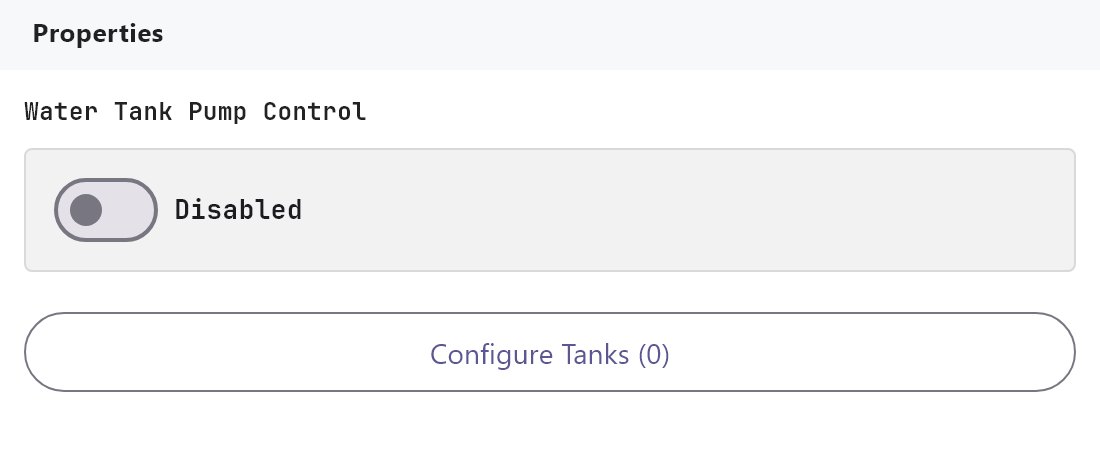
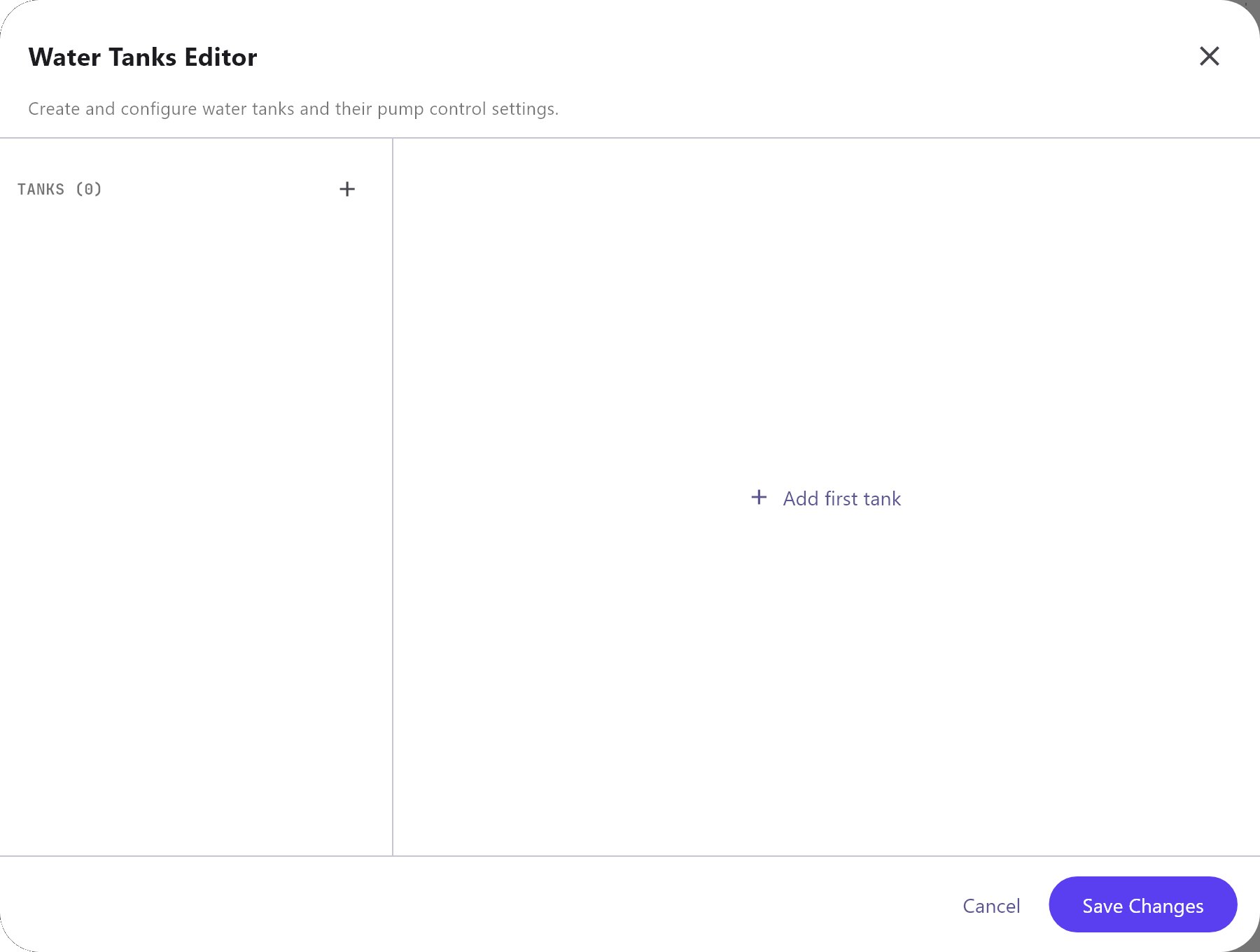
Open Server > Internal services > Water Tank Pump Control. Enabled is Off by default. The only other control is Configure Tanks (N), which opens the Water Tanks Editor. Use Add, Clone, Remove, Up and Down to manage the list.
| Setting | What it does |
|---|---|
| Name | The tank's name. Default Tank-1, Tank-2 and so on. |
| Water Level Source | The Modbus or Zigbee value that reports the water height in metres. The list shows the datapoints you have added, searchable by name. |
| Tank Length (m) | Inside length. Minimum 0.1, default 1. |
| Tank Width (m) | Inside width. Minimum 0.1, default 1. |
| Tank Height (m) | Inside height. Minimum 0.1, default 2. Used for the percent-full calculation, and as the stop level when Maximum Height is 0. |
| Tank Capacity (L) | Read-only. Length x Width x Height x 1000. |
| Pump Control Group Address | KNX address that switches the refill pump on or off. Example 1/3/1. With no address, the tank is measured but no pump is switched. |
| Pump Status Feedback Group Address | Optional pump status address. It is saved but the gateway does not use it. |
| Threshold to Start Pump (m) | The pump starts when the level is at or below this height. Default 0.5. A value of 0 cannot be saved: it returns to 0.5. |
| Maximum Height - Pump Stops (m) | The pump stops when the level is at or above this height. Default 0, which means "use Tank Height". |
| Cleaning / Maintenance Gate Group Address | Optional KNX input. While it is ON, the pump is switched off and automation is paused. Example 1/3/9. |
| Enable | On by default. When off, the tank's values are still calculated but the pump is never switched. |
#How it works on the gateway
- Every second the gateway reads each tank's level. If the Water Level Source has no value yet, that tank is skipped.
- Calculation: the level is limited to 0 to Tank Height. Volume (L) = Length x Width x level x 1000. Percent full = level / Tank Height x 100.
- Pump logic (hysteresis): at or below the start level the pump is switched ON. At or above the stop level it is switched OFF. In between, nothing changes. The command is a 1-bit KNX write (DPT 1.001) and is sent only when the decision changes, not repeated every second.
- Cleaning gate: while the gate address is ON, the decision is OFF. When the gate goes back to OFF, the pump stays off until the level next falls to the start level.
- After a gateway restart, the pump is not touched until the level first reaches the start level or the stop level.
- Values published: for each tank with a Water Level Source, the gateway publishes Water Level (m), Volume (L), Percent Full, Tank Capacity (L) and Pump On (the gateway's last decision, not the feedback) as system values named
water-tank:<tank name>:.... The tank name is lower-cased with other characters turned into underscores, soRoof Tankbecomesroof_tank. Renaming a tank changes these names.
#Example
A rooftop tank, 2 m long, 1.5 m wide and 1.8 m high, with a CWT-WLS sensor and a pump on 1/3/1:
- RS485 Interface: add the device
Water Level Sensorwith the driverComwintop - CWT-WLS Water Level Sensor. Its datapointWater Levelreads in metres. - Water Tank Pump Control: Enabled on, Configure Tanks, Add.
- Name
Roof Tank, Water Level Source theWater Leveldatapoint, Tank Length (m)2, Tank Width (m)1.5, Tank Height (m)1.8. The capacity shows 5400 L. - Pump Control Group Address
1/3/1, Threshold to Start Pump (m)0.5, Maximum Height - Pump Stops (m)1.6. - Deploy. The pump starts when the water drops to 0.5 m and stops at 1.6 m.
#Tips and common problems
- The pump never switches: the tank has no Pump Control Group Address, Enable is off, the service Enabled switch is off, or the level source has no value.
- The pump keeps running although the level is above the start level: that is intended. Once on, it runs until the level reaches the stop level.
- The values are 1000 times too large or small: the sensor is not reporting metres. Fix the sensor's unit or the datapoint's Scale.
- The pump stays off after cleaning: it restarts only when the level next falls to the start level.