
3.11Clock
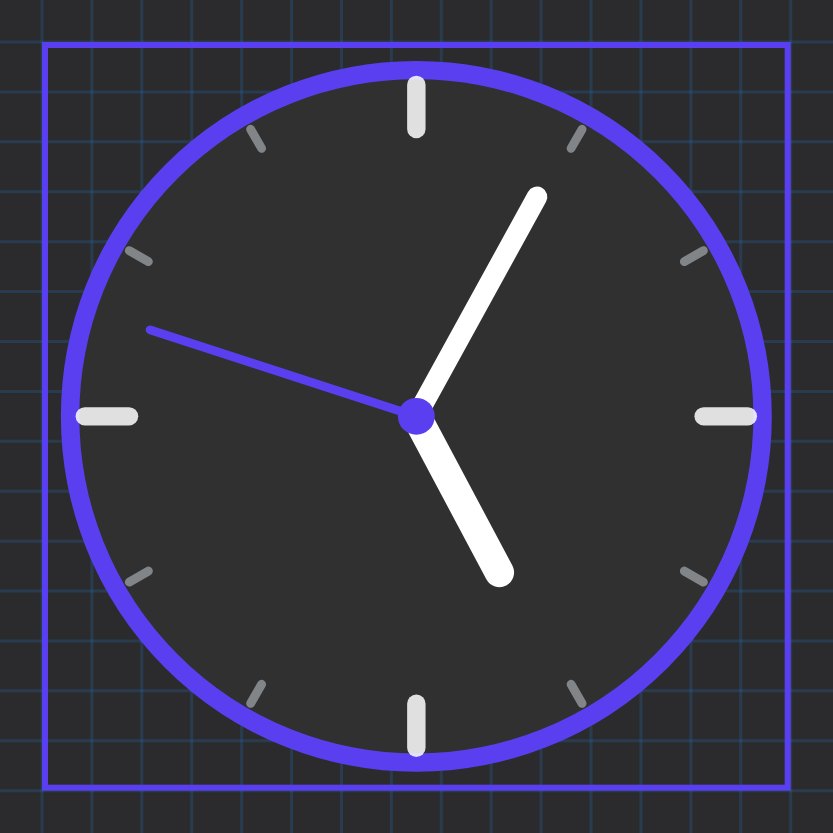
An analog clock face that shows the local time of the device running the app, with colours you choose.
The Clock object draws a round analog clock with hour, minute and second hands. It has no data source: it simply shows the time of the phone, tablet or PC the app runs on.
#When to use it
Use it as a decoration or a time reference on a wall-mounted tablet page. It is not synchronised to the gateway, so if a tablet's own clock or time zone is wrong, the Clock object is wrong too.
#What you need first
Nothing. The Clock does not use KNX, Modbus or any manager.
#Properties
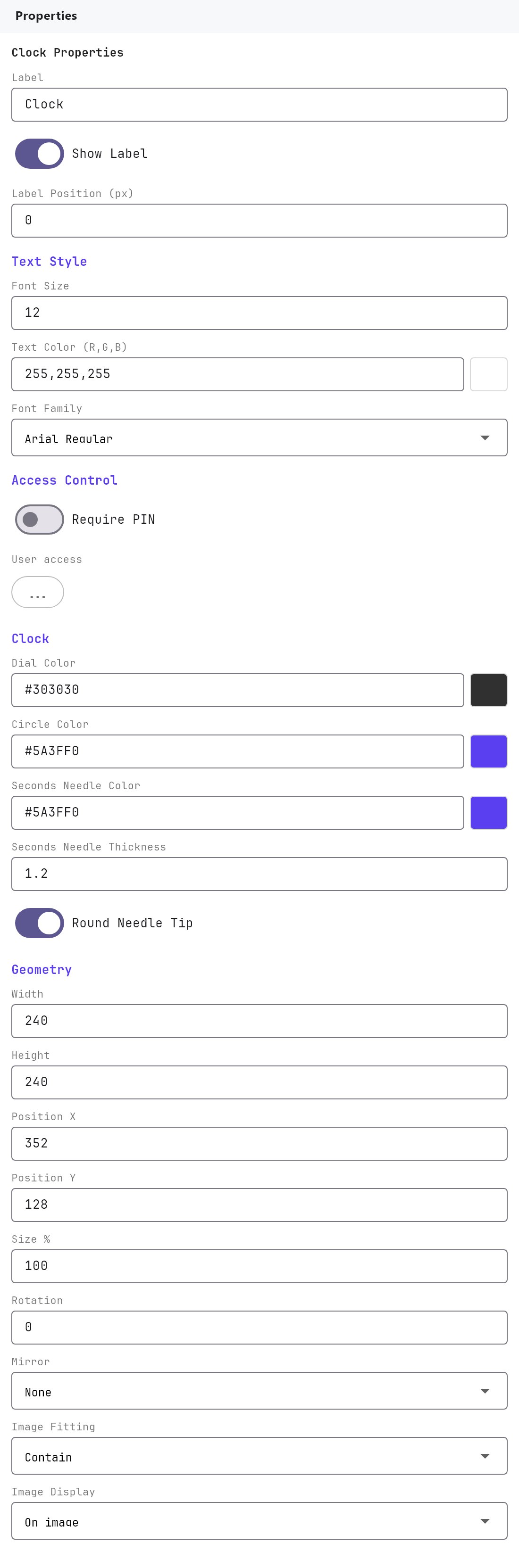
The Label, Text Style, Access Control, Width, Height, Position X, Position Y and Size % fields work as described in Common properties. The default size is 240 by 240.
#Clock colours
| Property | What it does |
|---|---|
| Dial Color | The face behind the hands. Default #303030 (dark grey). The colour picker has a transparency slider: drag it to 0 percent for a see-through dial that shows the page background. |
| Circle Color | The ring around the face. Default #5A3FF0 (violet). |
| Seconds Needle Color | The second hand and the dot in the centre. Default #5A3FF0. |
The tick marks (white and grey) and the hour and minute hands (white) have a fixed colour, so choose a Dial Color that contrasts with them.
#How it behaves in the apps
- The clock shows the local time of the device. The hands move once per second.
- The face is a circle that fits the object's box.
- The Clock is not interactive. Tapping it does nothing.
#Example
A clock with a transparent dial over a photo background:
- Add a Clock and leave Width and Height at
240. - Set Dial Color to
#000000and drag the transparency slider to0%. - Set Circle Color to
#FFFFFFand Seconds Needle Color to#FF5D7A. - Place it on a page whose background picture is dark, so the white ticks and hands stay readable.
#Tips and common problems
- The time is wrong: the clock follows the device, not the gateway. Fix the date, time and time zone of the tablet or phone.
- The hands are hard to see: the hour and minute hands are white. Use a dark dial colour.
- Rotation or Mirror does nothing: that is expected. They do not apply to a Clock.
- Size % and Width/Height: both resize the clock. Use one of them rather than both, so the result is easy to predict.