
3.31Static Text
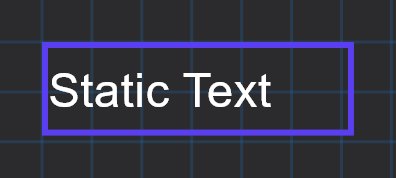
A fixed line of text on a page, such as a heading, a room name or a note.
The Static Text object shows the text you type in its Label. It does not read any value from the bus and does not react to taps.
#When to use it
Use it for headings and captions that are not tied to a control: a room name above a group of switches, a section title, a short instruction. For text that follows a live value use a State Action or an Analog Value.
#Properties
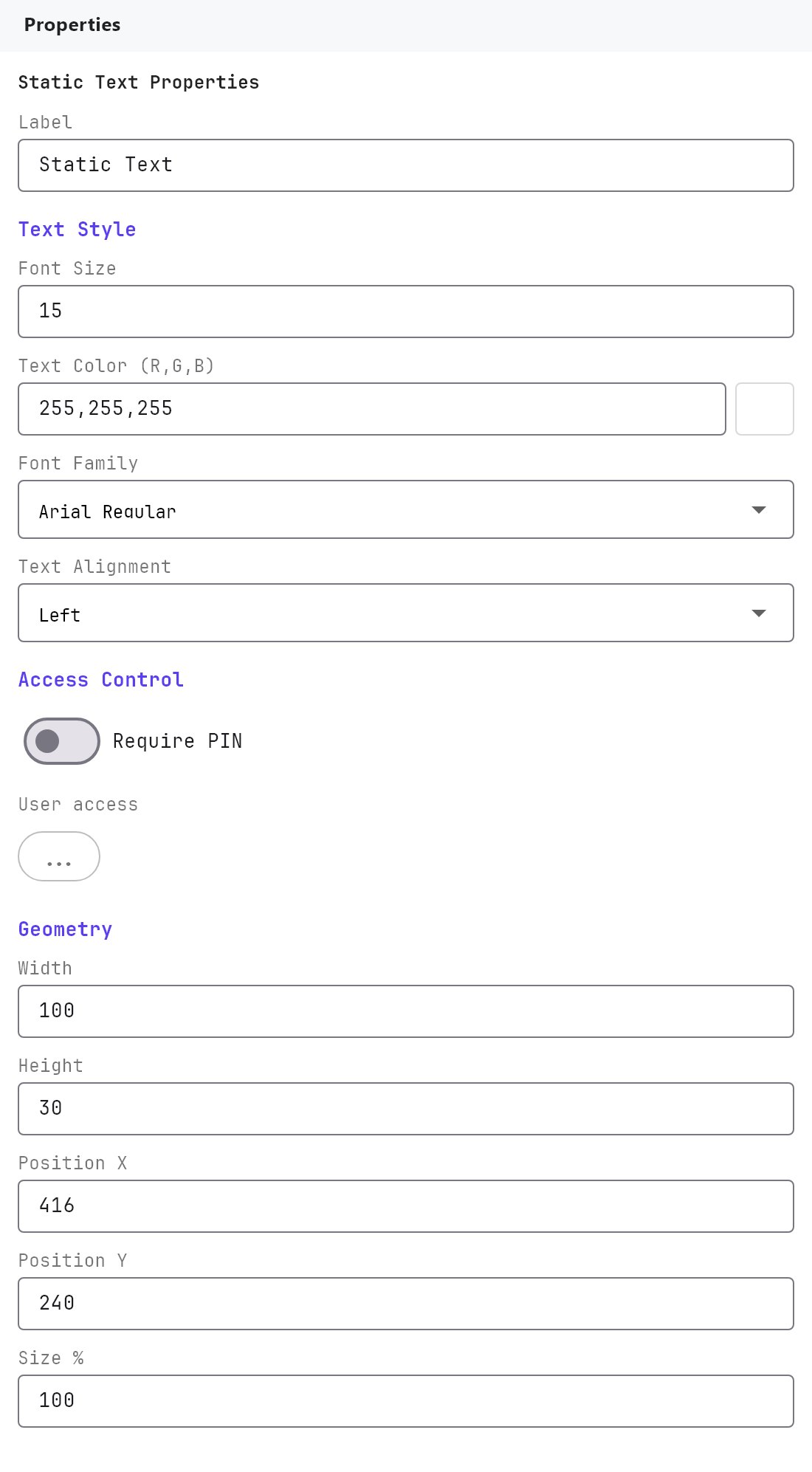
Label, Text Style, Access Control and the Width, Height, Position X, Position Y and Size % fields work as described in Common properties. Static Text has no Show Label, no protocol, no group address, and no Rotation, Mirror or image fields.
| Property | What it does |
|---|---|
| Label | The text that is displayed. |
| Font Size (Text Style) | Defaults to 15 for Static Text (other objects default to 12). Range 8 to 200 in the panel. |
| Text Alignment | Left, Center or Right. Empty when the object is new, which the Veltnova client draws as Left. |
| Scale | A number from 1 to 1000. It is the same setting as Size %, written as a factor: 1 is 100 percent. Empty means 1. |
| Width and Height | 100 by 30 for a new object: a shallow box that hugs one line of text. |
#How it behaves in the apps
- The Veltnova client draws the text on one line, aligned as set by Text Alignment (Left when nothing is set), and shrinks it to fit the object's box if it is too wide.
- Tapping the text does nothing.
#Example
A section heading above the kitchen lights:
- Add a Static Text. Set Label to
Kitchen. - Font Size:
20. Font Family:Arial Bold. Text Color: white. - Width:
200, Height:40. Text Alignment:Left. - Position it above the Switch objects it describes.
#Tips and common problems
- Text is cut or too small in the Veltnova client: widen the object's Width so the line fits without shrinking.
- A project made before Text Alignment was honoured in the Veltnova client shows left aligned text until you choose Center or Right.
- A very long text should be split into several Static Text objects, because each one is a single line in the Veltnova client.